
Use the Linux terminal to see what files are on your computer: 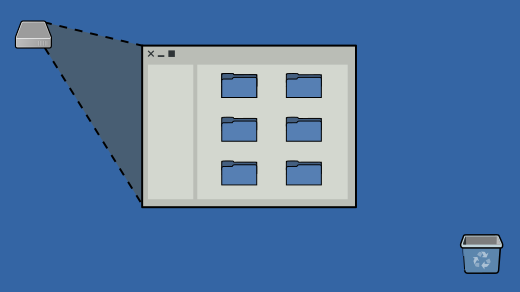
To list files on a computer with a graphical interface, you usually open a file manager (Files on Linux, Finder on MacOS, Windows Explorer on Windows), and look at the files.
To list files in a terminal, you use the ls command to list all files in the current directory. The pwd commands tells you what directory you’re currently in.
read more: Opensource.com sethkenlon
Supporting Open Source.
Have you tried: Visiting Port Elizabeth?