
How to use LibreOffice Writer templates: How to use LibreOffice Writer templates Jim Hall Mon, 07/25/2022 – 03:00
A staple in any office software suite is the word processor. Whether your needs are small or large, from jotting down a note to writing a book, the word processor gets the job done. Most Linux distributions include the LibreOffice suite, and I use LibreOffice Writer as my word processor.
LibreOffice Writer provides lots of flexibility through its toolbar, keyboard shortcuts, and menus. But if you just want to start a document without too much hassle, you can use one of the pre-loaded templates. Here’s how to use LibreOffice Writer templates to make your work easier.
Start a new document
LibreOffice Writer starts with a blank document. Most folks just begin writing, but this is also the place to create a new document from a template.
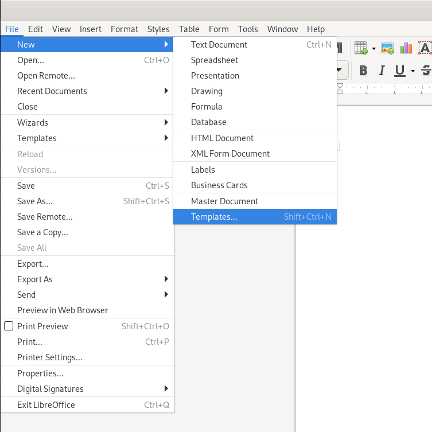
First, open the File menu, then select New and Templates. This option opens the Templates selection:
(Jim Hall, CC BY-SA 4.0)
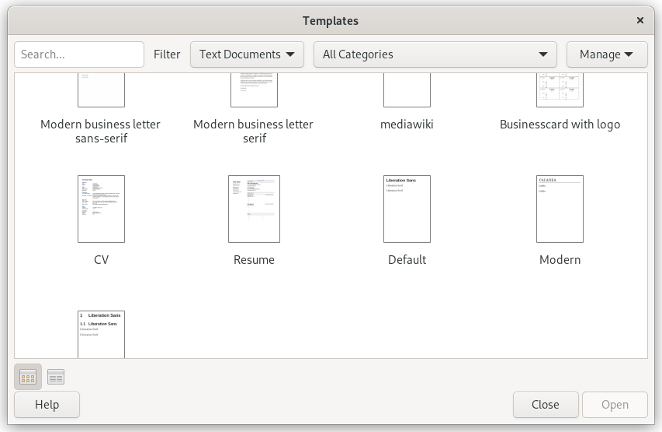
The Templates selection dialog shows the different templates available on your system. The default LibreOffice Writer installation includes templates for different kinds of business letters, resumes, and other documents. You can browse the list or narrow the results with the filter options at the top of the dialog.
(Jim Hall, CC BY-SA 4.0)
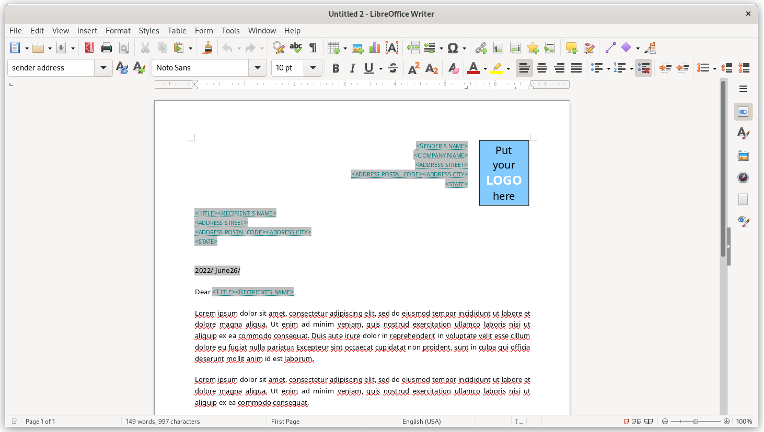
Click on the template you want and click Open to start a new Writer document using this template. Some templates include boilerplate text or other sample material you can use to get started in your new document. For example, the Modern business letter consists of this “lorem ipsum” sample text:
(Jim Hall, CC BY-SA 4.0)
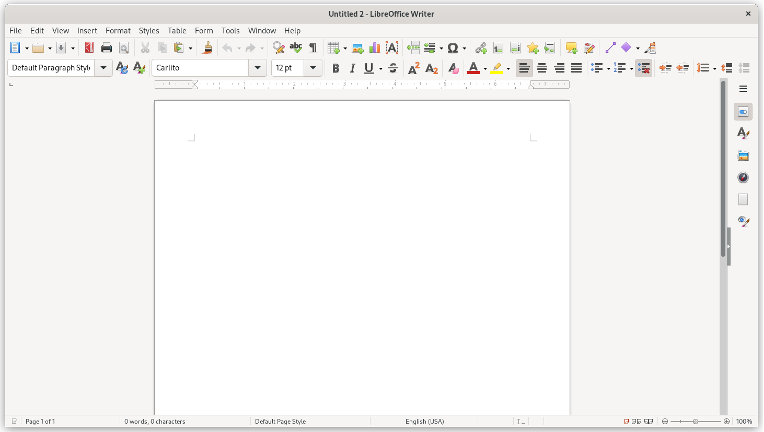
Other document templates just give you a starting point in an empty document with some nice-looking defaults. For example, the Modern document template uses a sans-serif font (such as Carlito on Linux systems) for the text body:
(Jim Hall, CC BY-SA 4.0)
Download a template
You can download a suitable document template from LibreOffice’s website if you don’t find the template you’re looking for in the built-in choices. Navigate to LibreOffice Extensions to start working with the LibreOffice extensions and templates library.
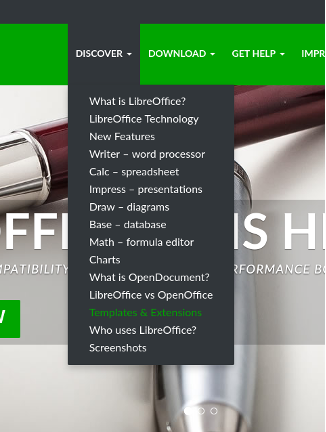
(Jim Hall, CC BY-SA 4.0)
Enter a search term in the box to find the document template you need. For example, students might search for “APA” to find document templates already set up for APA style, a common style for academic papers.
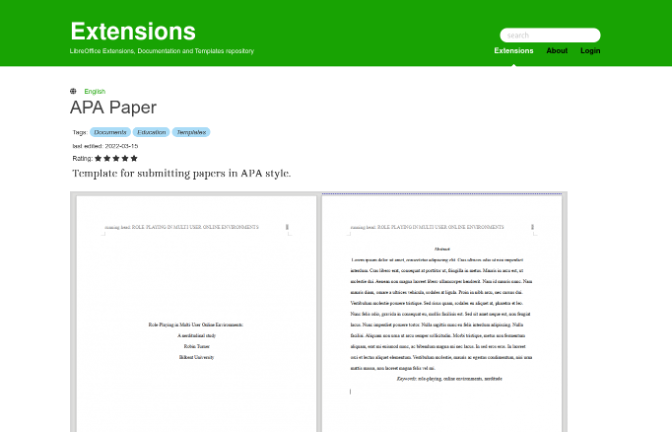
(Jim Hall, CC BY-SA 4.0)
Wrap up
If you need to write a document, explore the LibreOffice templates to find one that works for you. Using templates means you spend less time setting up a document to look a certain way and instead get to work faster. Look for other document templates in the LibreOffice extensions and templates library that support your work.
Get started writing on Linux in a flash by using a LibreOffice template.

Original photo by jetheriot. Modified by Rikki Endsley. CC BY-SA 2.0.
 This work is licensed under a Creative Commons Attribution-Share Alike 4.0 International License.
: Opensource.com Jim Hall
Supporting Open Source.
Have you tried: Sailing in Africa ?