
Calculate pi by counting pixels: Calculate pi by counting pixels Jim Hall Tue, 03/14/2023 – 03:00
For Pi Day this year, I wanted to write a program to calculate pi by drawing a circle in FreeDOS graphics mode, then counting pixels to estimate the circumference. I naively assumed that this would give me an approximation of pi. I didn’t expect to get 3.14, but I thought the value would be somewhat close to 3.0.
I was wrong. Estimating the circumference of a circle by counting the pixels required to draw it will give you the wrong result. No matter what resolution I tried, the final pi calculation of circumference divided by diameter was always around 2.8.
You can’t count pixels to calculate pi
I wrote a FreeDOS program using OpenWatcom C that draws a circle to the screen, then counts the pixels that make up that circle. I wrote it in FreeDOS because DOS programs can easily enter graphics mode by using the OpenWatcom _setvideomode function. The _VRES16COLOR video mode puts the display into 640×680 resolution at 16 colors, a common “classic VGA” screen resolution. In the standard 16 color DOS palette, color 0 is black, color 1 is blue, color 7 is a low intensity white, and color 15 is a high intensity white.
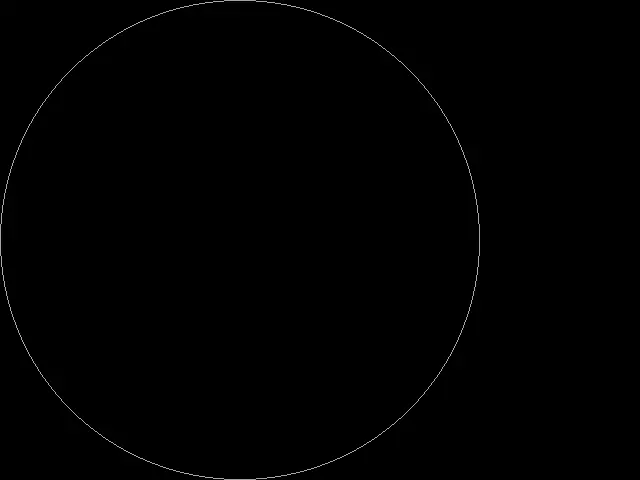
In graphics mode, you can use the _ellipse function to draw an ellipse to the screen, from some starting x,y coordinate in the upper left to a final x,y coordinate in the lower right. If the height and width are the same, the ellipse is a circle. Note that in graphics mode, x and y count from zero, so the upper left corner is always 0,0.
(Jim Hall, CC BY-SA 4.0)
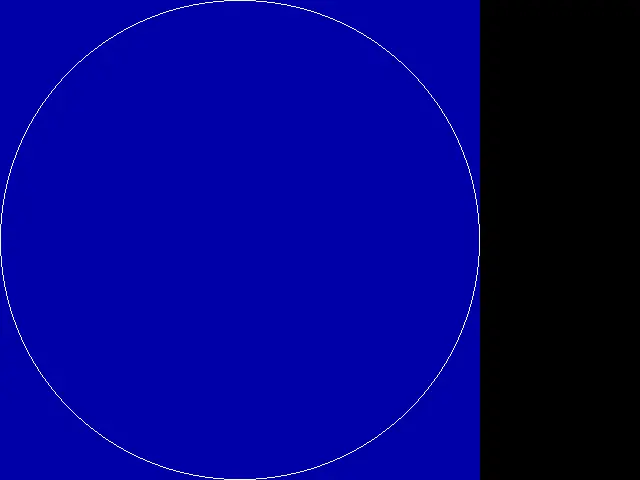
You can use the _getpixel function to get the color of a pixel at a specified x,y coordinate on the screen. To show the progress in my program, I also used the _setpixel function to paint a single pixel at any x,y on the screen. When the program found a pixel that defined the circle, I changed that pixel to bright white. For other pixels, I set the color to blue.
(Jim Hall, CC BY-SA 4.0)
With these graphics functions, you can write a program that draws a circle to the screen, then iterates over all the x,y coordinates of the circle to count the pixels. For any pixel that is color 7 (the color of the circle), add one to the pixel count. At the end, you can use the total pixel count as an estimate of the circumference:
#include #include int main() { unsigned long count; int x, y; /* draw a circle */ _setvideomode(_VRES16COLOR); /* 640x480 */ _setcolor(7); /* white */ _ellipse(_GBORDER, 0, 0, 479, 479); /* count pixels */ count = 0; for (x = 0; x <= 479; x++) { for (y = 0; y <= 479; y++) { if (_getpixel(x, y) == 7) { count++; /* highlight the pixel */ _setcolor(15); /* br white */ _setpixel(x, y); } else { /* highlight the pixel */ _setcolor(1); /* blue */ _setpixel(x, y); } } } /* done */ _setvideomode(_DEFAULTMODE); printf("pixel count (circumference?) = %lu\n", count); puts("diameter = 480"); printf("pi = c/d = %f\n", (double) count / 480.0); return 0; }
But counting pixels to determine the circumference underestimates the actual circumference of the circle. Because pi is the ratio of the circumference of a circle to its diameter, my pi calculation was noticeably lower than 3.14. I tried several video resolutions, and I always got a final result of about 2.8:
pixel count (circumference?) = 1356 diameter = 480 pi = c/d = 2.825000
You need to measure the distance between pixels to get pi
The problem with counting pixels to estimate the circumference is that the pixels are only a sample of a circular drawing. Pixels are discrete points in a grid, while a circle is a continuous drawing. To provide a better estimate of the circumference, you must measure the distance between pixels and use that total measurement for the circumference.
To update the program, you must write a function that calculates the distance between any two pixels: x0,y0 and x,y. You don't need a bunch of fancy math or algorithms here, just the knowledge that the OpenWatcom _ellipse function draws only solid pixels in the color you set for the circle. The function doesn't attempt to provide antialiasing by drawing nearby pixels in some intermediate color. That allows you to simplify the math. In a circle, pixels are always directly adjacent to one another: vertically, horizontally, or diagonally.
For pixels that are vertically or horizontally adjacent, the pixel "distance" is simple. It's a distance of 1.
For pixels that are diagonally adjacent, you can use the Pythagorean theorem of a²+b²=c² to calculate the distance between two diagonal pixels as the square root of 2, or approximately 1.414.
double pixel_dist(int x0, int y0, int x, int y) { if (((x - x0) == 0) && ((y0 - y) == 1)) { return 1.0; } if (((y0 - y) == 0) && ((x - x0) == 1)) { return 1.0; } /* if ( ((y0-y)==1) && ((x-x0)==1) ) { */ return 1.414; /* } */ }
I wrapped the last "if" statement in comments so you can see what the condition is supposed to represent.
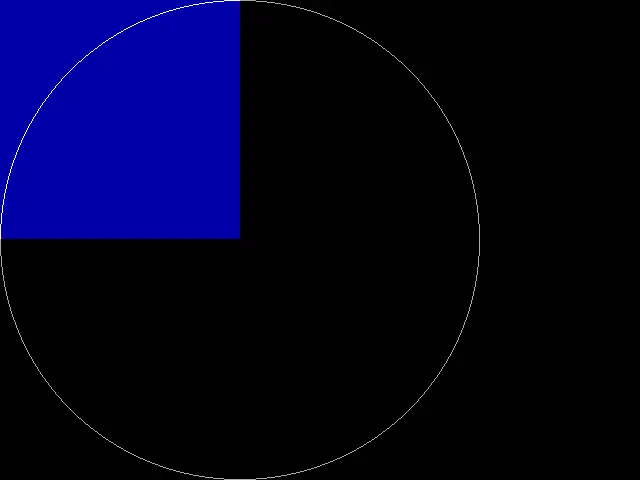
To measure the circumference, we don't need to examine the entire circle. We can save a little time and effort by working on only the upper left quadrant. This also allows us to know the starting coordinate of the first pixel in the circle; we'll skip the first pixel at 0,239 and instead assume that as our first x0,y0 coordinate in measuring the quarter-circumference.
(Jim Hall, CC BY-SA 4.0)
The final program is similar to our "count the pixels" program, but instead measures the tiny distances between pixels in the upper left quadrant of the circle. You may notice that the program counts down the y coordinates, from 238 to 0. This accommodates the assumption that the known starting x0,y0 coordinate in the quarter-circle is 0,239. With that assumption, the program only needs to evaluate the y coordinates between 0 and 238. To estimate the total circumference of the circle, multiply the quarter-measurement by 4:
#include #include double pixel_dist(int x0, int y0, int x, int y) { ... } int main() { double circum; int x, y; int x0, y0; /* draw a circle */ _setvideomode(_VRES16COLOR); /* 640x480 */ _setcolor(7); /* white */ _ellipse(_GBORDER, 0, 0, 479, 479); /* calculate circumference, use upper left quadrant only */ circum = 0.0; x0 = 0; y0 = 479 / 2; for (x = 0; x <= 479 / 2; x++) { for (y = (479 / 2) - 1; y >= 0; y--) { if (_getpixel(x, y) == 7) { circum += pixel_dist(x0, y0, x, y); x0 = x; y0 = y; /* highlight the pixel */ _setcolor(15); /* br white */ _setpixel(x, y); } else { /* highlight the pixel */ _setcolor(1); /* blue */ _setpixel(x, y); } } } circum *= 4.0; /* done */ _setvideomode(_DEFAULTMODE); printf("circumference = %f\n", circum); puts("diameter = 480"); printf("pi = c/d = %f\n", circum / 480.0); return 0; }
This provides a better estimate of the circumference. It's still off by a bit, because measuring a circle using pixels is still a pretty rough approximation, but the final pi calculation is much closer to the expected value of 3.14:
circumference = 1583.840000 diameter = 480 pi = c/d = 3.299667
Happy Pi Day! Does counting pixels get you the circumference of a circle?

Opensource.com
 This work is licensed under a Creative Commons Attribution-Share Alike 4.0 International License.
: Opensource.com Jim Hall
Supporting Open Source.
Have you tried: Diving with Sharks?