

 |
| Image: Adobe |
Adobe has announced a new Reflection Removal tool that aims to erase reflections in photos, showing only what’s behind them. The company says it’s meant to improve photos taken through windows or ones of reflective objects like movie posters.
Recent Videos
The tool gives you a slider that goes from -100 to 100. If you set it at 0, your picture will remain unchanged. Setting it to 100 attempts to remove any reflections, showing only what’s behind them, and setting it to -100 will try to show only the reflection. Of course, you can use the slider to keep a little reflection if it adds to your picture.
 |
| The tool tries to split apart the image, telling what’s behind the reflection, and what’s being reflected. |
Adobe’s blog post says the tool specifically doesn’t use generative AI; it doesn’t guess what’s supposed to be there and try to create it whole-cloth, so you don’t have to worry about it adding things that weren’t actually there.
The post has an in-depth explanation of how it all works, but the high-level overview is that Adobe created a bunch of photos with simulated reflections and then trained the model to predict what was behind the reflection and what the reflection looked like when it was isolated. Since Adobe had the original images, it could tell how accurate the model was and make improvements.
The tool is currently labeled as a technical preview and has some notable limitations. Probably the biggest is that it currently only works with Raw files, not with JPEGs or other compressed image formats. It’s also only available in Adobe Camera Raw, though the company says it plans to “bring an expanded version to the entire Lightroom ecosystem” in the future.
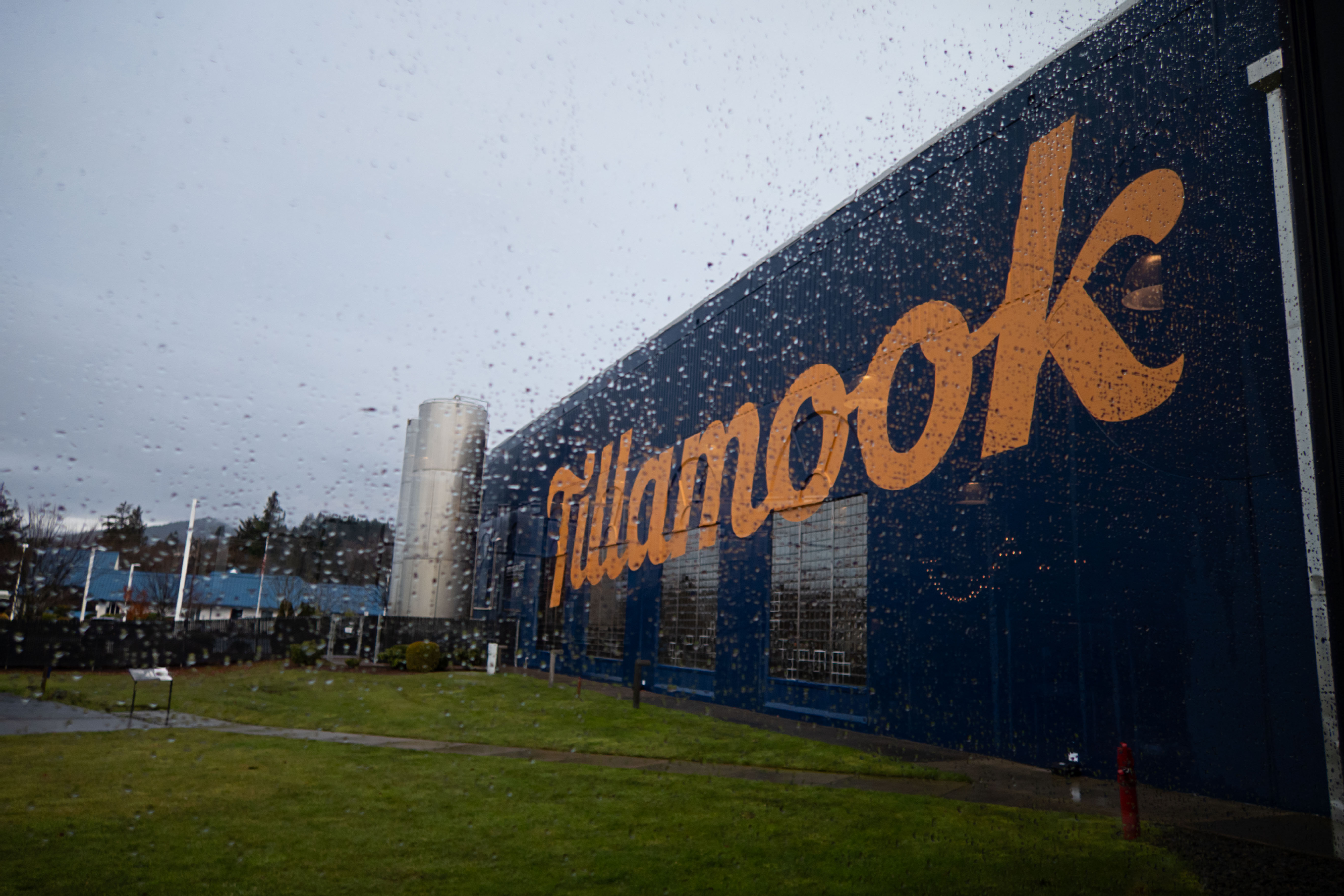

Adobe admits the tool isn’t perfect. For example, it currently struggles with nighttime cityscapes, and it’s really only built to deal with reflections from “plate glass windows that cover most or all of your field of view.” If the window with distracting reflections is only a small part of the image, it likely won’t be able to remove them. Likewise, it may struggle if you’re trying to remove reflections from water.
Still, there are a lot of situations where the tool in its current state could still be useful. How many times have you tried to take a picture of something cool you saw out of a train or plane window, only to have it end up a bit of a mess because of reflections?
If you want to try Reflection Removal, open ACR, then go to Preferences > Technology Previews. Make sure the “New AI features and settings panel” box is checked, restart the app, and then open an image. There should now be a “Reflections” checkbox in the Remove panel.

Our DPREVIEW Tribute:
After nearly 25 years of operation, DPReview closed on 10 April 2023. This difficult decision was part of the annual operating plan review that parent company, Amazon, shared earlier this year.
Over the course of 25 years, DP Review built up a reputation as being one of the most informative places to go for information about that new camera or lens you’re after. DP Review began as an independent reviews site based in the UK in 1998, the brainchild of Philip and Joanna Askey, but it was eventually purchased by Amazon in 2007 and relocated over to Seattle in the USA in 2010.
Cheers DPReview – thanks for the great work and content that guided photographers, videographers and techno junkies the world over!
 Not dead yet: a DSLR lens tops LensRental’s 2024 charts