
6 Linux word processors you need to try: 6 Linux word processors you need to try Don Watkins Mon, 06/06/2022 – 03:00
Writers are always looking for better ways to put their words and ideas into readable formats to share with their readers. My first experiences with word processing came in my Apple II days when I used AppleWorks and later FrEDWriter, which was a free word processing application created in 1985. It was the standard for my students, many of whom came from households that lacked the money to purchase proprietary software.
Abiword
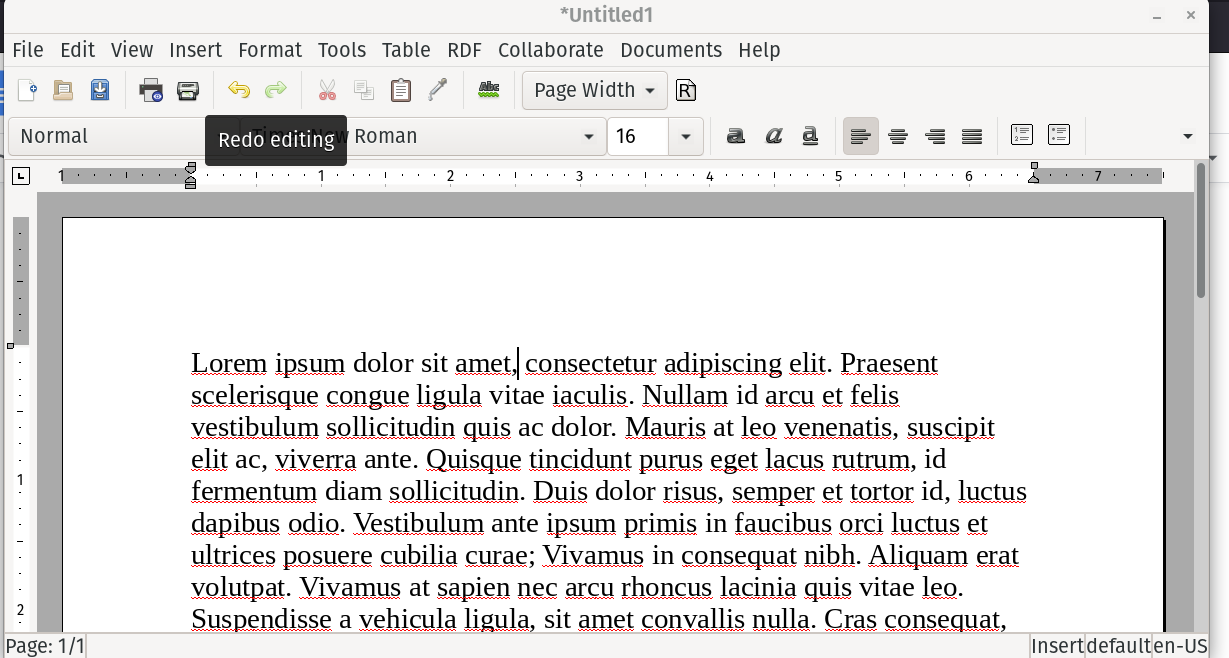
When I made the switch to Linux in the late 1990’s, I was looking for high quality writing software that I could use and recommend to students who chose to follow my lead in the world of open source software. The first word processor I became familiar with was AbiWord. The name AbiWord is derived from the Spanish word, abierto, which means open. It was Initially released in 1998 and it has been under continuous development. It is licensed as GPLv2. It supports basic word processing such as lists, indents and character formats. It supports a variety of import and export file formats including .doc, .html, .docx, and .odt.
(Don Watkins, CC BY-SA 4.0)
Etherpad
Etherpad is an open source group editing project. It allows you to edit documents in real time much like Google Drive. The main difference is that it is entirely open source. According to their website you can, “write articles, press releases, to-do lists, together with your friends, fellow students or colleagues, all working on the same document at the same time.” The source code is readily available to look at. Etherpad is licensed as Apache 2.0. You can use Etherpad in the cloud or download and install it on your own Linux computer.
Cryptpad
CryptPad is a collaboration suite that is end-to-end encrypted. It is licensed with GPLv3 and its source code is available on GitHub. It was developed by Xwiki Labs. It is an alternative to Google Drive and is self hosted. According to their website, “CryptPad is built to enable collaboration. It synchronizes changes to documents in real time. Because all data is encrypted, the service and its administrators have no way of seeing the content being edited and stored.” Cryptpad offers extensive documentation for users.
Focuswriter
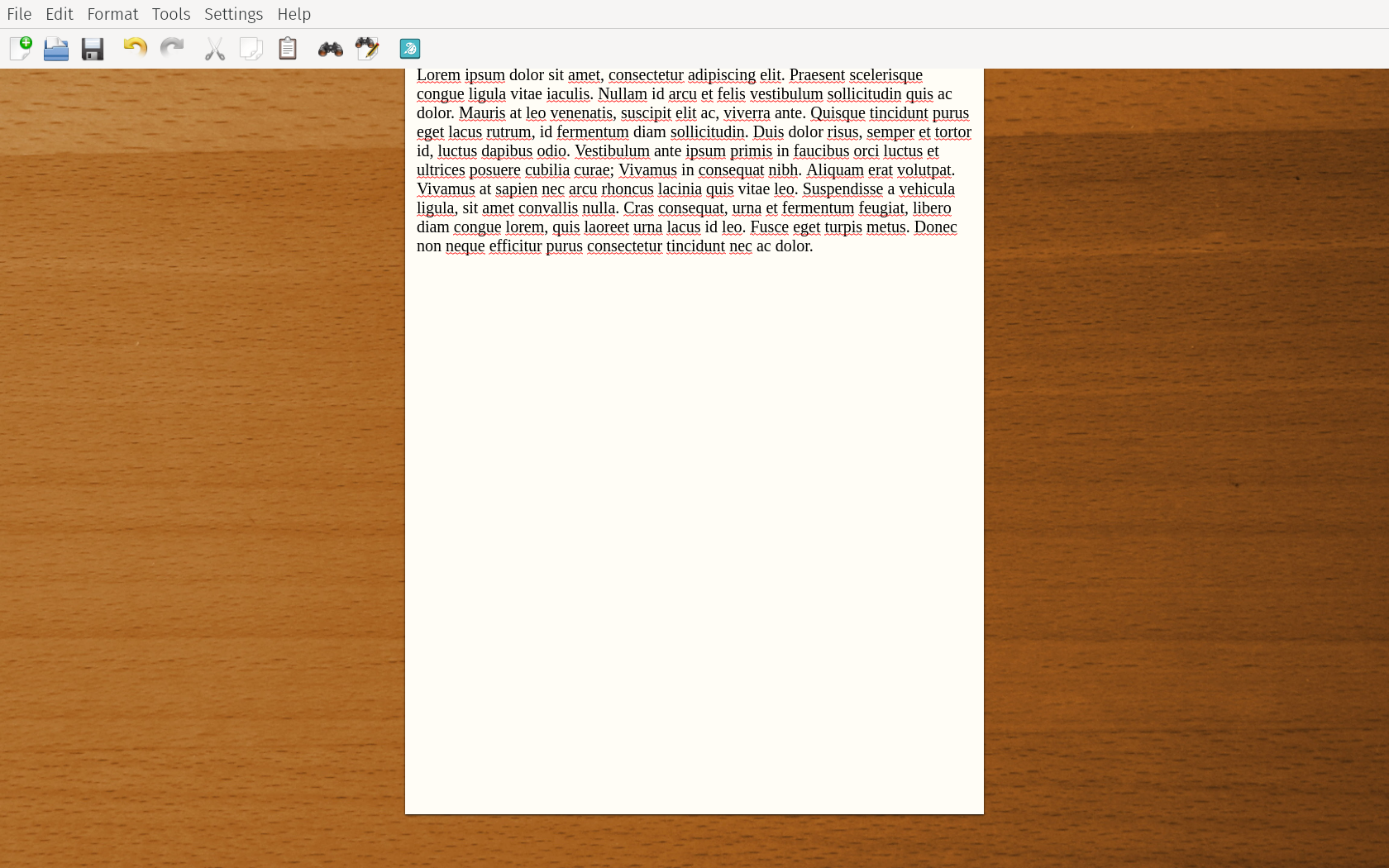
FocusWriter is a simple distraction free editor. It uses a hideaway interface that you access by moving your mouse to the edges of the screen. It is licensed with GPLv3 and it’s available on Linux with Flatpak,via DEB on Ubuntu, and RPM on Fedora. This is an example of the FocusWriter desktop. A very simple and intuitive interface where the menu automatically hides until you move your mouse pointer to the top or sides of the screen. Files are saved by default as an .odt, but it also supports plain text, .docx, and Rich text.
(Don Watkins, CC BY-SA 4.0)
LibreOffice Writer
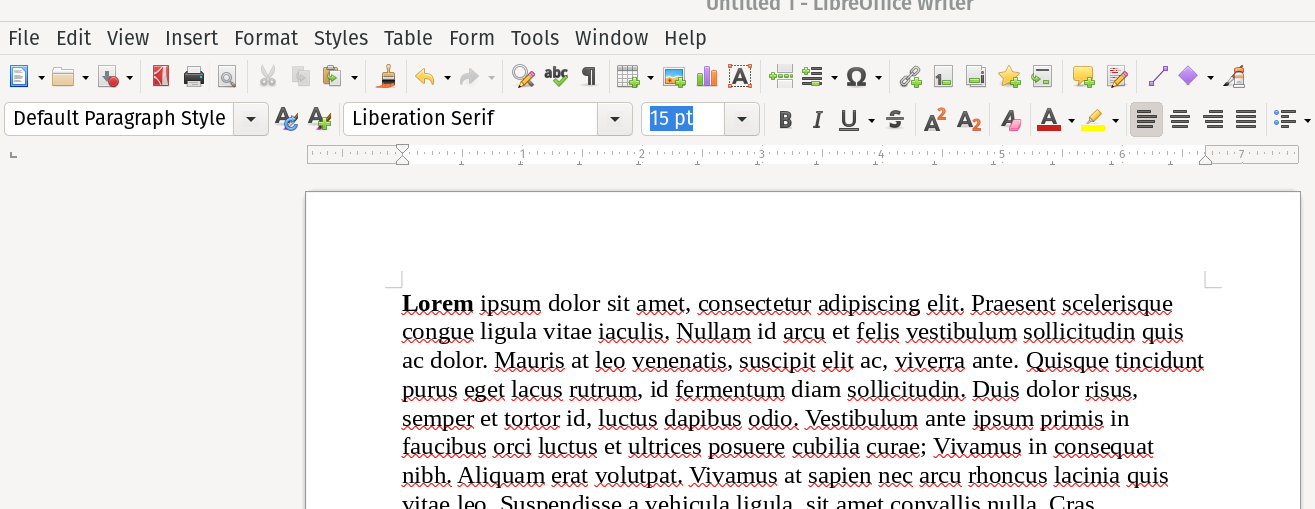
LibreOffice Writer is my favorite. I have been using it for over a dozen years. It has all the features I need including formatting for rich text. It also has the largest array of import and export options I have seen in any word processor. There are dozens of templates available for specialty formats like APA for research and publication. I love that I can export directly to PDF and ‘epub’ from any word processor. LibreOffice Writer is free software with the Mozilla Public License 2.0. The source code for LibreOffice is from the Document Foundation. LibreOffice comes standard with most Linux distribution. It is also available as Flatpak, Snap, and AppImage. In addition, you can download and install it on MacOS and Windows.
(Don Watkins, CC BY-SA 4.0)
OpenOffice Writer
Apache OpenOffice Writer is a complete word processor. It’s simple enough for memos yet complex enough to write your first book. According to their website, OpenOffice Writer automatically saves documents in ‘open document format’. Documents can also be saved in .doc, .docx, Rich Text, and other formats. OpenOffice Writer is licensed with an Apache License 2.0. Source code and is available on GitHub.
There is a wealth of free open source software waiting for you to discover. They are great for getting your everyday tasks done and you can also contribute to their development. What is your favorite Linux word processor application?
Check out one of my favorite open source word processors to put your ideas to paper.

rawpixel.com. CC0.
 This work is licensed under a Creative Commons Attribution-Share Alike 4.0 International License.
: Opensource.com Don Watkins
Supporting Open Source.
Have you tried: Travelling to South Africa?