
5 note-taking apps for Linux: 5 note-taking apps for Linux Don Watkins Fri, 08/19/2022 – 03:00
Notes are part of any writer’s life. Most of my articles begin in a note-taking application and that’s usually Joplin for me. There are a large number of note-taking apps for Linux and you may use something other than my favorite. A recent blog article reminded me of a half dozen of them, so I assembled a list of my favorites.
Joplin
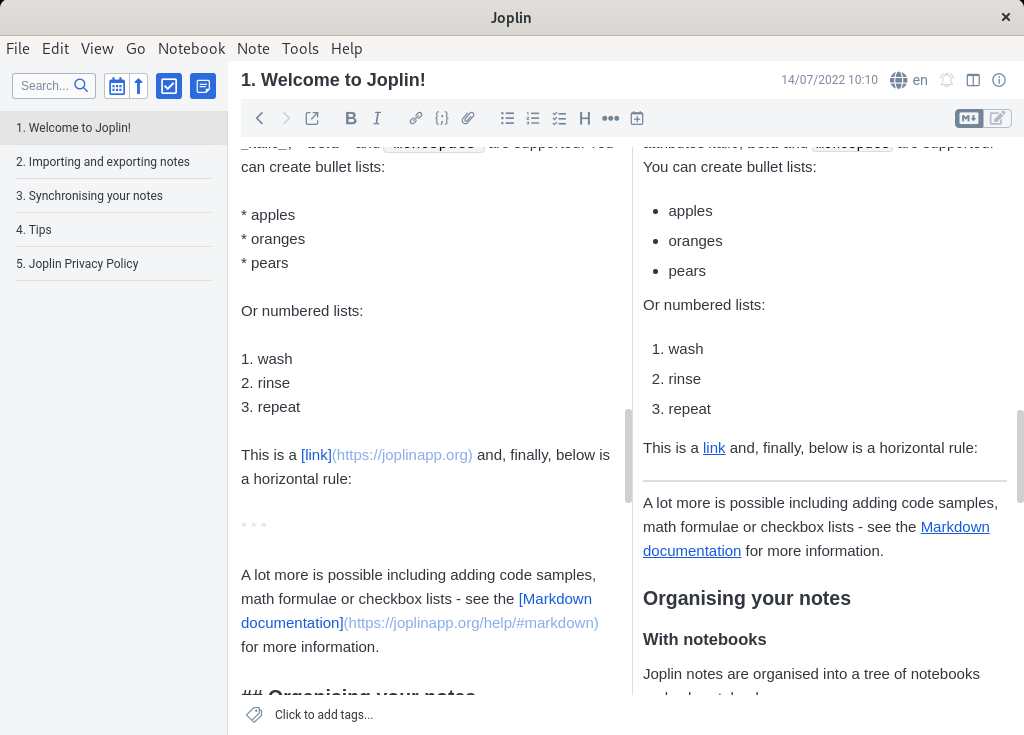
(Opensource.com, CC BY-SA 4.0)
Joplin is available on Linux, Windows, macOS, Android, and iOS. I like Joplin because it automatically saves whatever you add to it. Notes can be uploaded to NextCloud, OwnCloud, Joplin Cloud, and even closed source services like OneDrive, Dropbox, or any WebDav applications. Joplin supports encryption.
It’s easy to export notes in a variety of formats, too. It comes with eight different themes that allow you to tailor its look.
Joplin has an MIT license. Initially released in 2017 Joplin is under continuous development with a large community of contributors.
Xournal
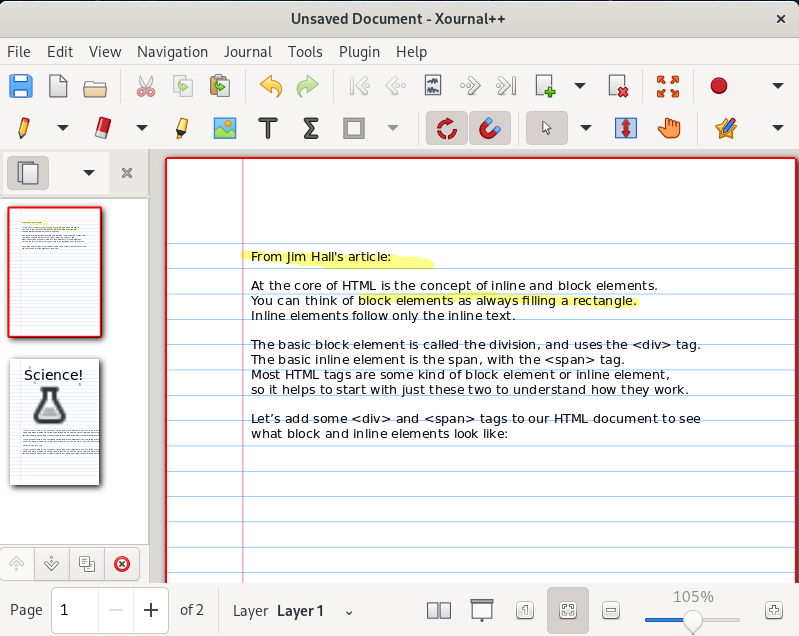
(Opensource.com, CC BY-SA 4.0)
Xournal is available on Linux, Windows, macOS, and Android. Its aim is to let you create notes containing nearly any media type you can imagine. It supports pressure-sensitive stylus and drawing tablets so you create sketchnotes. You can type into it, draw simple vectors, import graphics, record audio, and more. You can also use Xournal to annotate PDFs, which is how I have used it. It is released with a GPLv2 license, and you can export notes in a variety of formats.
Trillium
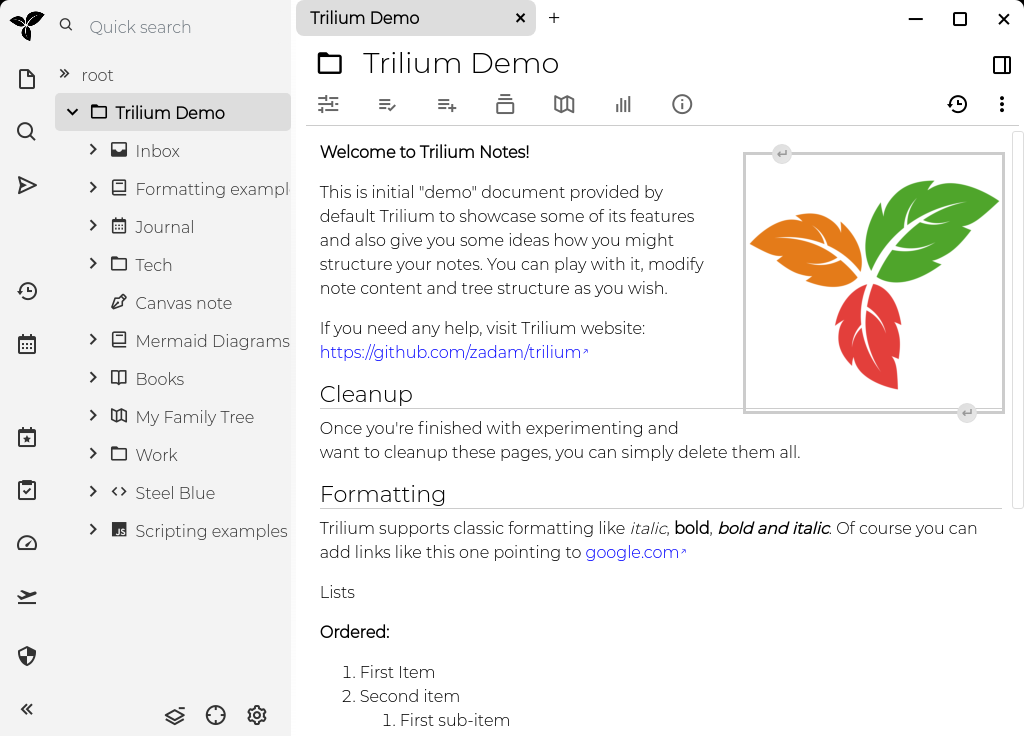
(Opensource.com, CC BY-SA 4.0)
Trillium is a hierarchical note-taking application with a focus on knowledge building bases. It features rich WYSIWYG editing with tables, images, and markdown. It has support for editing notes in source code with syntax highlighting. It’s released under the Gnu Affero License.
Trilium is available as a desktop application for Linux and Windows, as well as a web application that you can host on your own Linux server.
Gnote
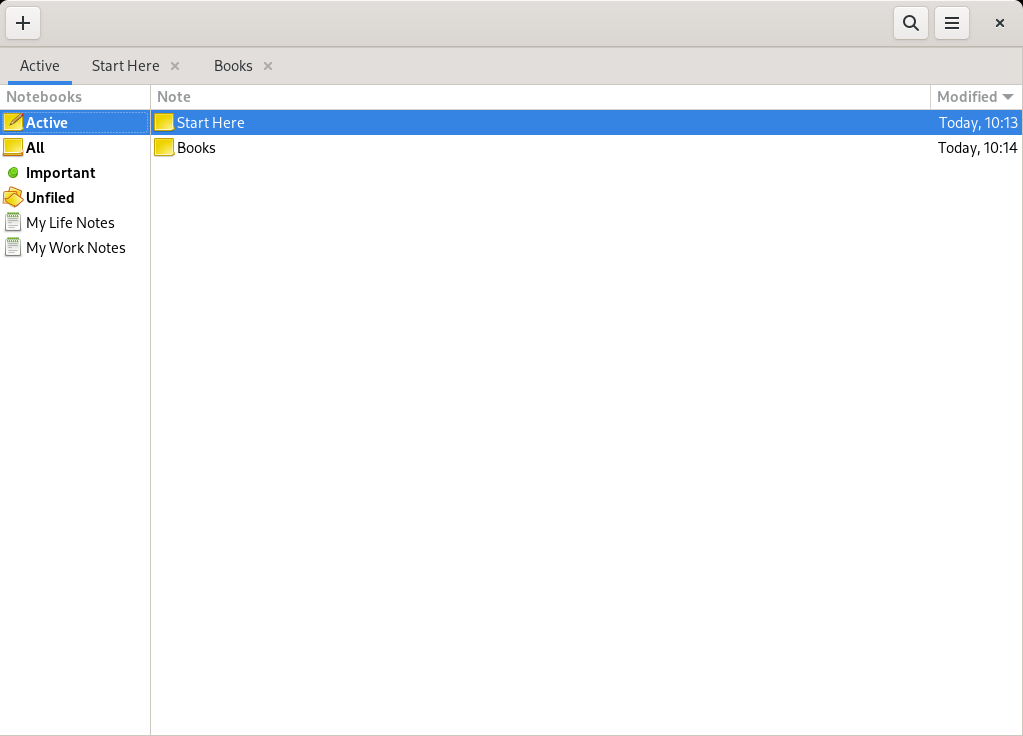
(Opensource.com, CC BY-SA 4.0)
Gnote is an open source note taking application written for Linux. It was cloned by Hubert Figuière from a project called Tomboy. Like Tomboy, Gnote uses a wiki-like linking system to allow you to link notes together.
GNote’s source code is available on GitLab. The software is licensed with GPLv3.
CherryTree
(Opensource.com, CC BY-SA 4.0)
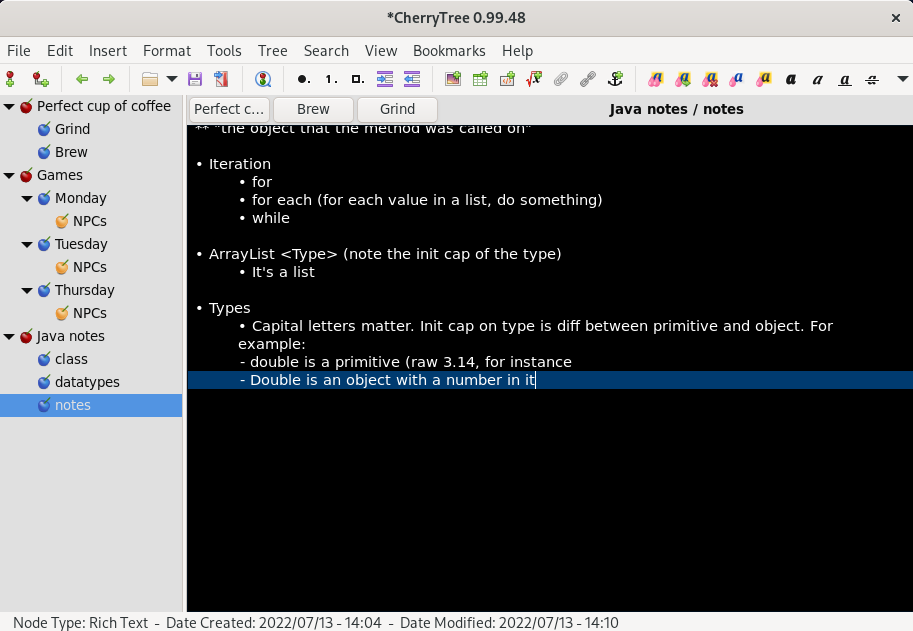
CherryTree supports hierarchical note-taking. In CherryTree everything is a node. Nodes can be plain text, rich text, syntax highlighting for a variety of programming languages. Each node can have child nodes each with a different format.
CherryTree features rich text and syntax highlighting, and can store data in a single XML or SQLite file. CherryTree can import from a variety of formats including Markdown, HTML, plain text, Gnote, Tomboy, and others. It can export files to PDF, HTML, plain text and its own CherryTree format.
CherryTree is licensed under the GPLv3, and can be installed on Linux, Windows, and macOS.
Use these open source tools for jotting down notes.

Startup Stock Photos. Creative Commons CC0 license.
 This work is licensed under a Creative Commons Attribution-Share Alike 4.0 International License.
: Opensource.com Don Watkins
Supporting Open Source.
Have you tried: Farking?